CSS Animation
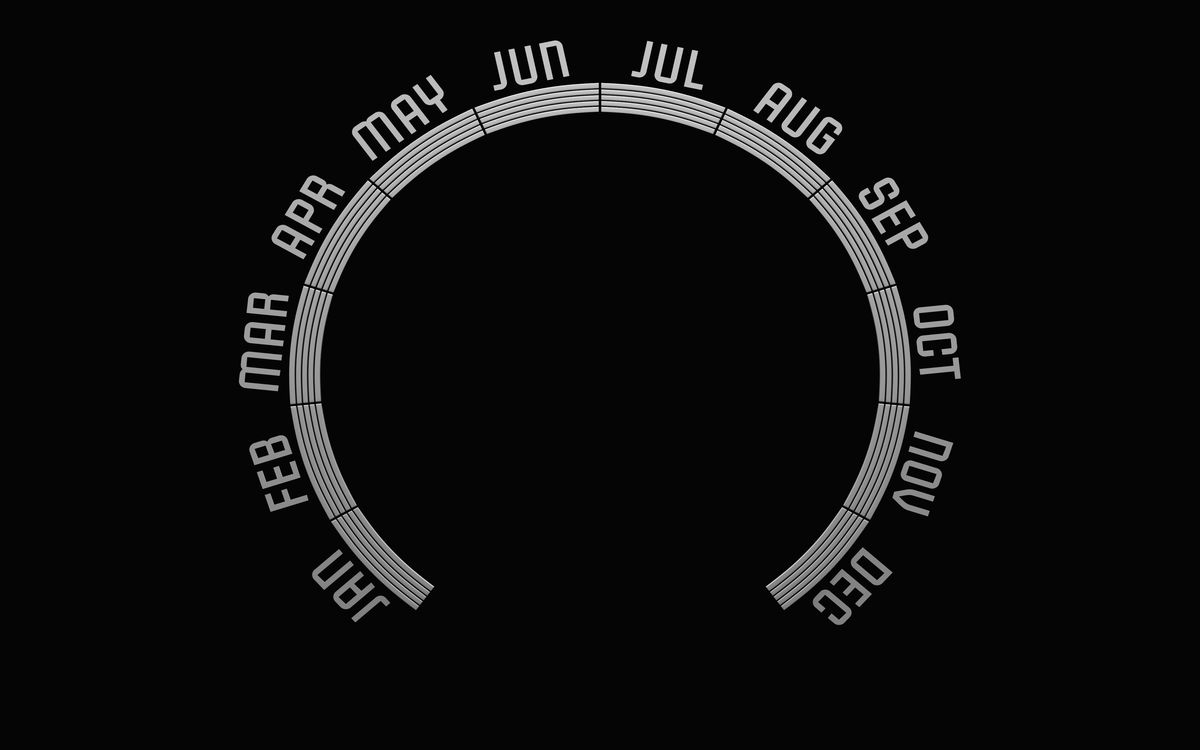
Animated Clock - Pure CSS
A fully functional analog clock built with nothing but HTML and CSS. Smooth second-hand rotation, accurate hour markers, and clean radial layout without a single line of JavaScript.
A curated gallery of visual studies, interface recreations, and browser-native experiments. Explore how designers and developers translate visual ideas into working code.

Curated pieces with strong visuals and concise technical notes, each one a small lesson in translating ideas into browser-native craft.
A fully functional analog clock built with nothing but HTML and CSS. Smooth second-hand rotation, accurate hour markers, and clean radial layout without a single line of JavaScript.
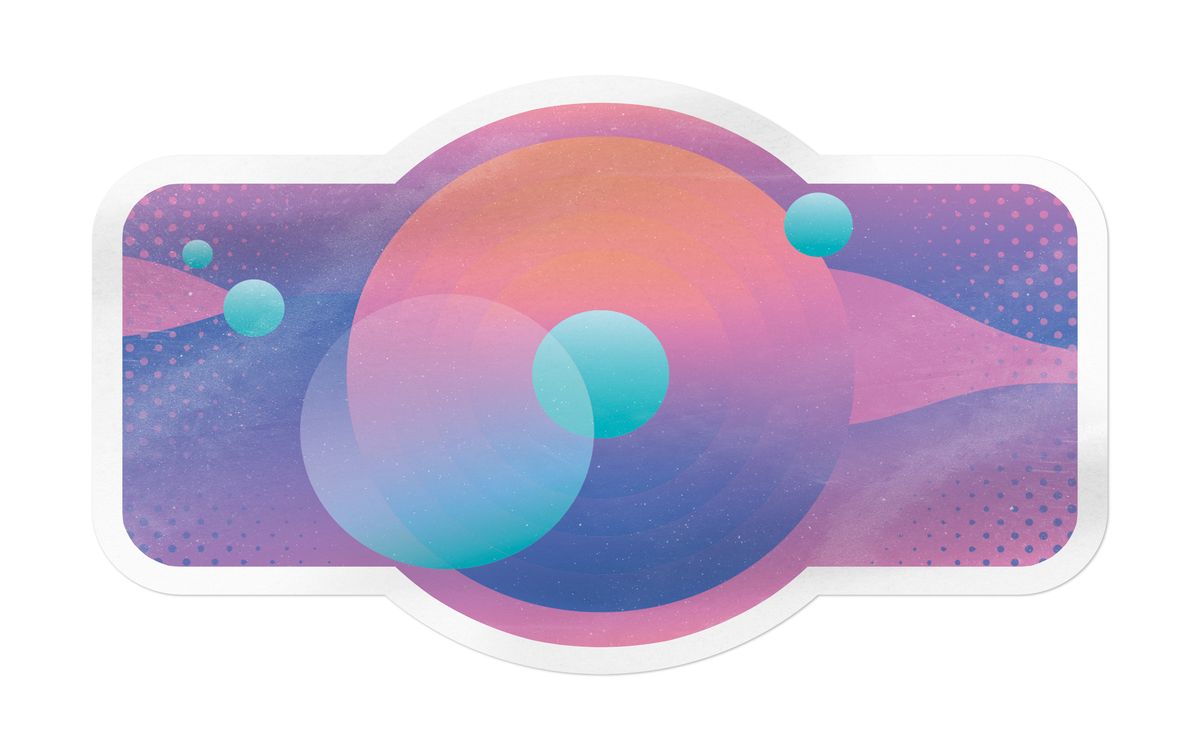
A hand-drawn character illustration exported as optimized SVG and brought to life with subtle CSS idle animations. Each body part is a separate group, allowing targeted motion control.
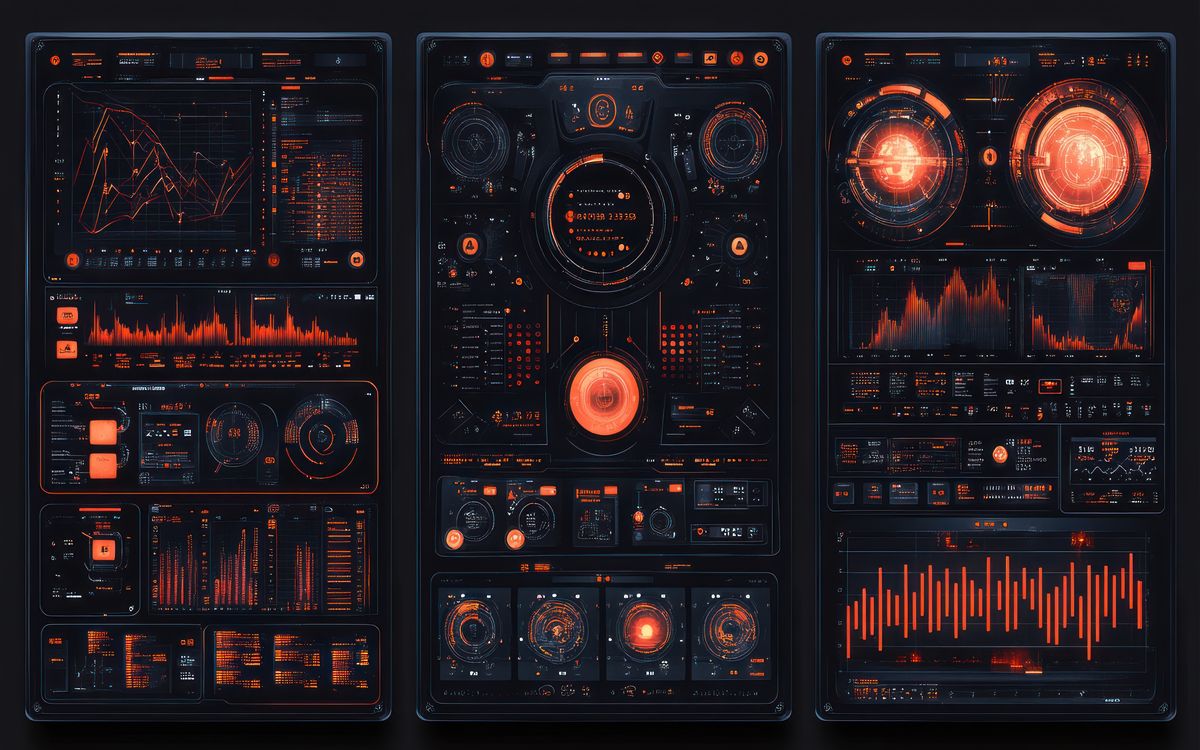
A data-dense dashboard layout using SVG charts, CSS Grid containment, and subtle hover transitions. Each panel adapts fluidly without JavaScript recalculation.
A button component with carefully orchestrated hover, focus, active, and loading states. Each transition is tuned for perceived responsiveness with cubic-bezier easing and restrained scale shifts.
A responsive navigation pattern that slides in from the edge with GPU-accelerated transforms. Keyboard accessible, reduced-motion aware, and built without any JavaScript framework dependencies.

A set of loading indicators that use staggered animation-delay values to create cascading motion. Built entirely with CSS keyframes and custom properties for easy timing adjustments.
Grouped explorations organized by interface type: clocks, loaders, navigation patterns, illustrations, and more.
Practical tutorials and deep dives into building, optimizing, and adapting interactive visual ideas for real production work.

A practical guide to documenting front-end visual experiments, interactive prototypes, and CSS/SVG work. Covers screenshot capture, process notes, code annotation, and building a useful reference archive.
Beginner to Intermediate
How to handle image formats, compression, responsive sizing, and delivery optimization for visual gallery and portfolio sites. Covers JPG tuning, lazy loading, layout shift prevention, and CDN strategy.
Intermediate
How to organize CSS for small to medium visual projects, component libraries, and gallery sites. Covers naming conventions, file structure, custom properties, specificity management, and scalable patterns.
Intermediate
How to implement accessible animation in visual interfaces. Covers prefers-reduced-motion, focus management, ARIA patterns for animated content, and practical strategies for balancing visual craft with inclusive design.
IntermediateShorter reflections on implementation lessons, browser quirks, and the small decisions that separate polished work from rough prototypes.
Why building a personal library of small, tested front-end patterns is more valuable than collecting bookmarks. How to structure, maintain, and grow a pattern collection that actually gets used.
When visual polish undermines usability. Observations on animation timing, direction, and intensity that create beautiful demos but confusing interfaces.
Practical guidelines for deciding when pure CSS solutions are the right choice for visual work, and when reaching for JavaScript or SVG is the smarter move.
A look at why visually clean design concepts often fail when translated to browser code, and the rendering realities that cause the gap between mockup and implementation.
We feature browser-native visual experiments, interface recreations, and CSS/SVG/JS craft from independent makers. If you have built something that deserves a closer look, we want to see it.
Submission Guidelines →Refined archive filtering with technique and complexity labels
Improved collection page layout and related-content linking
Adjusted image handling for gallery cards and guide heroes
Tightened typography scale and card spacing across breakpoints
Added local search with keyboard navigation support