Illustrations
Drawing in the Browser
Browser-native illustration occupies a fascinating space between design and engineering. Every shape is a DOM element or SVG path. Every color is a computed value. Every shadow and gradient follows the browser’s rendering pipeline. The constraints are real, but they produce work with qualities that raster illustrations cannot match: resolution independence, interactivity, animatability, and the ability to be styled with CSS.
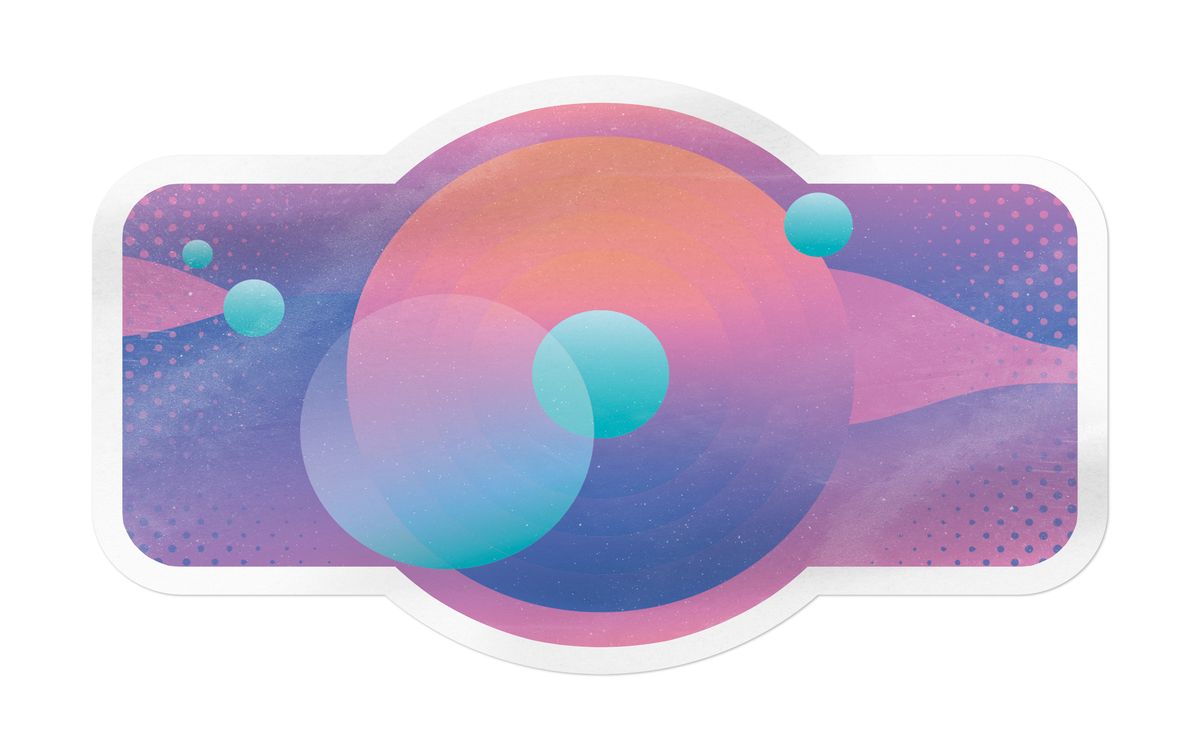
This collection features illustrations built entirely with HTML/CSS, SVG, or a combination of both. No embedded raster images, no canvas bitmaps. The pieces range from simple geometric compositions to detailed scenes with dozens of layered elements.
CSS vs. SVG for Illustration
Pure CSS illustration uses div elements, pseudo-elements, borders, gradients, and clip-paths to compose visual shapes. The appeal is the constraint itself: building recognizable imagery with tools designed for layout rather than drawing. The limitation is that complex curves require many stacked elements, and browser rendering differences can shift alignments unpredictably.
SVG illustration uses paths, shapes, and groups in a coordinate-based system designed for drawing. SVG scales perfectly, handles curves natively, supports text, and can be styled with CSS or animated with SMIL or JavaScript. For detailed illustration work, SVG is almost always the more practical choice.
Hybrid approaches use SVG for the primary illustration and CSS for environmental effects like background gradients, shadows, or responsive sizing containers. This tends to produce the most maintainable results.
What Makes Browser Illustration Interesting
The value of browser-native illustration is not that it replaces design tools. It is that the process teaches you things about CSS and SVG that no tutorial can. Building a complex illustration with border-radius, clip-path, and layered gradients gives you an intuitive understanding of those properties that carries directly into production UI work.
Related Reading
- SVG Workflows for Interface Illustration covers the practical process of creating and optimizing SVG illustrations
- Recreating Visual Shots in HTML and CSS discusses translating visual references into browser code
- How to Document UI Experiments covers capturing and sharing the process behind visual work