
Guide
How to Document UI Experiments
A practical guide to documenting front-end visual experiments, interactive prototypes, and CSS/SVG work. Covers screenshot capture, process notes, code annotation, and building a useful reference archive.
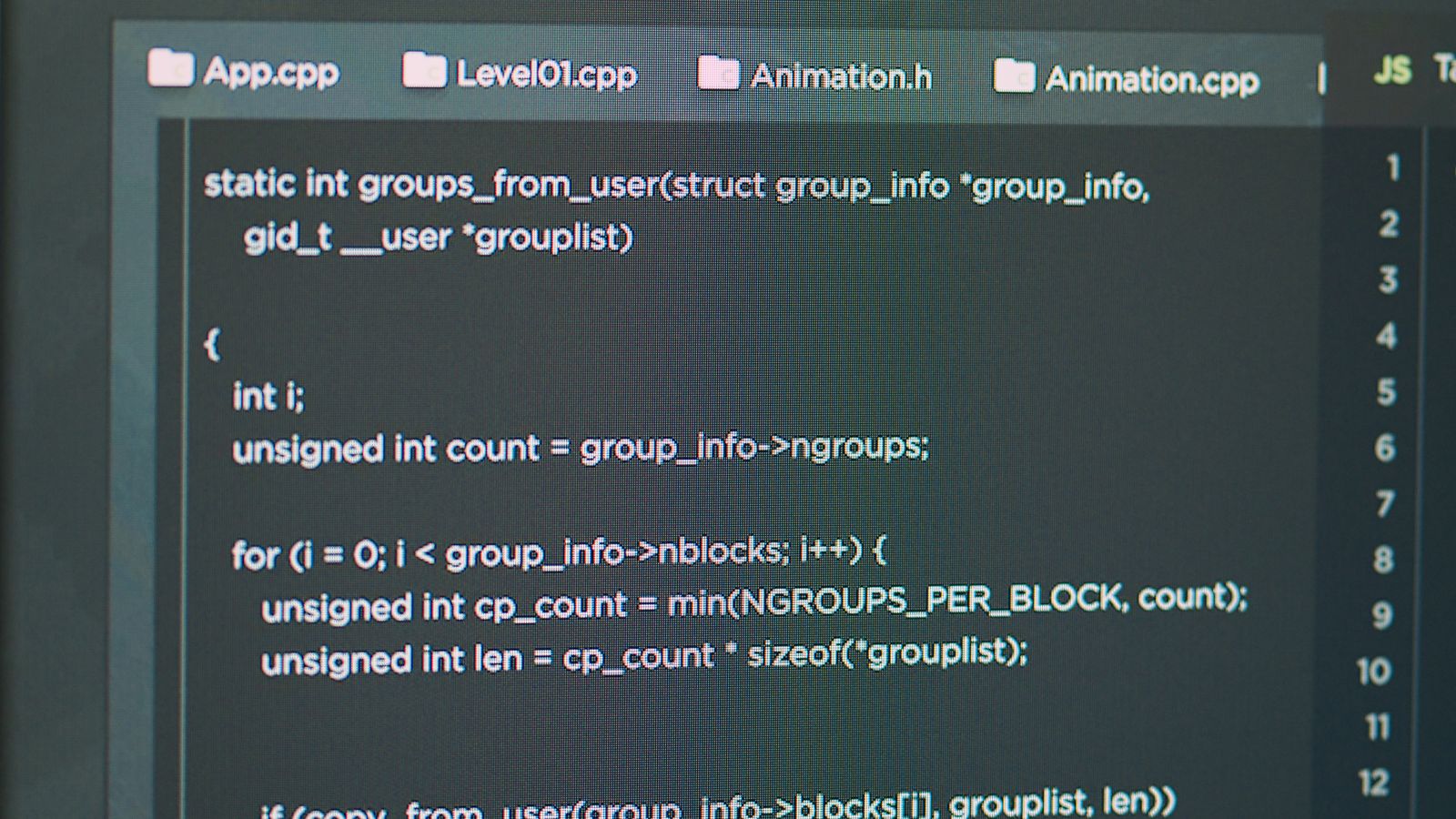
These guides come from actual build work, not theoretical summaries. Each one walks through a specific challenge in translating visual ideas into reliable browser code, from the first rough sketch to the final production check. Expect concrete steps, honest trade-offs, and the kind of detail that only shows up after you have shipped the thing and learned where it breaks.
A practical guide to documenting front-end visual experiments, interactive prototypes, and CSS/SVG work. Covers screenshot capture, process notes, code annotation, and building a useful reference archive.

How to handle image formats, compression, responsive sizing, and delivery optimization for visual gallery and portfolio sites. Covers JPG tuning, lazy loading, layout shift prevention, and CDN strategy.
How to organize CSS for small to medium visual projects, component libraries, and gallery sites. Covers naming conventions, file structure, custom properties, specificity management, and scalable patterns.

How to implement accessible animation in visual interfaces. Covers prefers-reduced-motion, focus management, ARIA patterns for animated content, and practical strategies for balancing visual craft with inclusive design.

How to bridge the gap between experimental front-end work in CodePen and building production-ready code. Covers dependency management, responsive scaling, accessibility, and performance hardening.

A hands-on guide to creating, optimizing, and integrating SVG illustrations into browser interfaces. Covers design-tool export, hand-tuning, path optimization, accessibility, and CSS styling.
How to build smooth, efficient animations for production interfaces. Covers compositor layers, frame budgets, transform-based motion, paint reduction, and real-world performance testing.
A practical guide to translating visual references, design screenshots, and UI concepts into clean browser-native implementations using HTML, CSS, and minimal JavaScript.